
Before Hiring a Virtual Assistant: 7 Things to Prepare First
Most virtual assistant relationships that fail do not fail because of the assistant. They fail because the business was not ready: tasks were vague, logins were missing, and nobody knew what success looked like. A little preparation before hiring a virtual assistant makes the first 30 days smoother and the results much better.
New to hiring? Start with our step-by-step guide on how to hire a virtual assistant.
Here are seven things to do before you hire.

1. Track Where Your Time Goes
For one week, write down every task you do and how long it takes. Then mark each one as something only you can do or something someone else could do with training. The second list is your VA job description. Most owners are surprised by how many hours go to email, scheduling, data entry, and follow-up.
2. Decide What You Will Hand Off First
Do not hand over everything on day one. Pick three to five repeatable tasks that are easy to explain and easy to check, such as:
Once those run smoothly, add more. Not sure what is possible? See what a virtual assistant can actually do.
3. Choose the Right Type of VA
A general admin VA, an executive assistant, and a specialized VA are different hires. Match the role to the work:
If you work in healthcare, confirm the assistant and provider can support HIPAA requirements. Our guide to HIPAA-compliant virtual assistants covers what to look for.
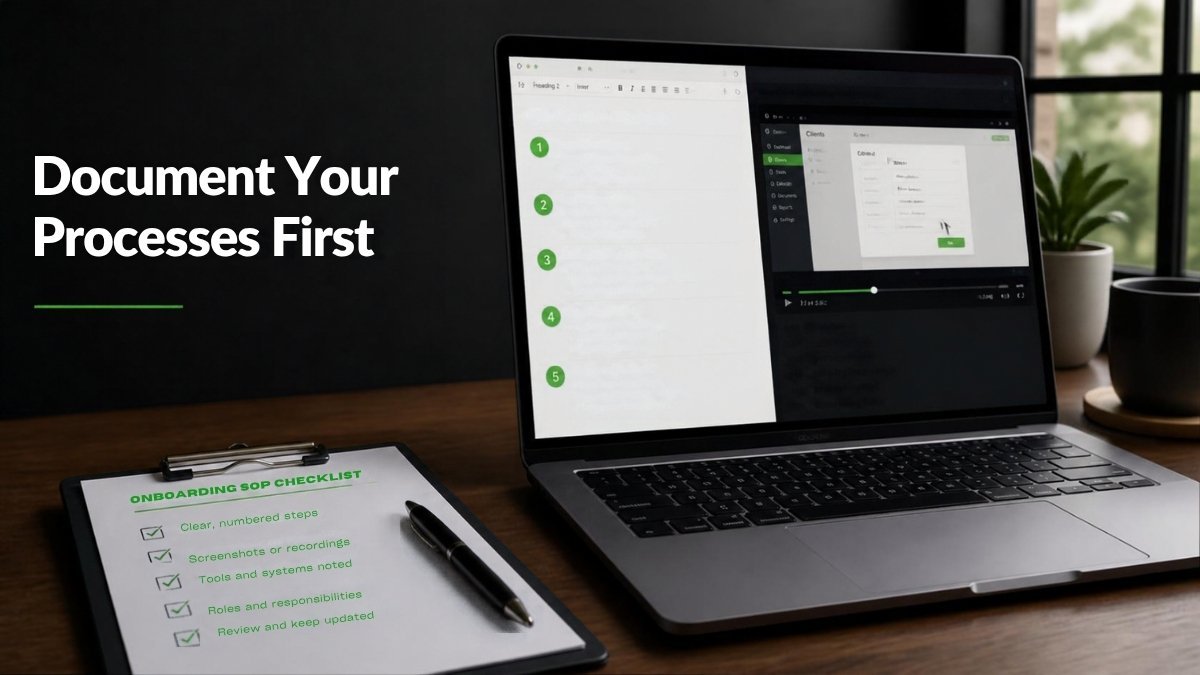
4. Write Down Your Processes
You do not need a thick manual. For each task you are handing off, create:
These documents train your first VA and every future hire.
5. Get Your Tools and Access Ready
Delays in the first week usually come from missing logins. Before your VA starts:
6. Set Your Budget and Hours
Decide how many hours per week you need and what you can invest. Start with the hours your time audit supports, then scale up. With Go Hire Virtual, general admin VAs start at $12/hour and specialized VAs start at $14/hour. For a full comparison, read how much a virtual assistant costs and VA vs. in-house hire cost and ROI.
7. Define What Success Looks Like
Agree on clear expectations before day one:
Then plan the ramp-up. Our 30-day VA onboarding timeline lays out what to expect week by week.
Bonus: Know What to Ask a VA Company
If you are hiring through a provider instead of directly, the provider matters as much as the assistant. Ask how they vet candidates, whether your VA is dedicated to you, and what happens if it is not a fit. We cover this in detail in 10 questions to ask before hiring a virtual assistant company.
Frequently Asked Questions
What should I do before hiring a virtual assistant?
Track your time, choose the first tasks to hand off, document those processes, prepare logins and tools, set your budget, and define how you will measure success.
How many hours a week should I start with?
Use your time audit. Many small businesses start part-time and increase hours once the first tasks are running smoothly.
How long does it take for a VA to get up to speed?
Most assistants handle simple tasks within the first week and take on more over the first 30 days, especially when processes are documented.
Is it safe to give a virtual assistant access to my accounts?
Yes, when you use a password manager, individual user accounts, limited permissions, and two-factor authentication.
Ready to Hire?
Once you have your list of tasks, we can match you with the right assistant. Tell us what you need and we will send a shortlist of pre-vetted VAs within 48 to 72 hours.


At Go Hire Virtual, we are dedicated to providing exceptional virtual assistance to help your business thrive. Connect with us today and discover how we can elevate your business
Make An Appointment >